
Available for macOS, iOS, iPadOS, Android and Windows.
Prompt templates for ChatGPT. Write once, reuse forever.
Templates with variables, a global hotkey, and local-first storage. Works with ChatGPT, Claude and Gemini. Free forever on macOS, iOS, iPadOS, Android and Windows.
Three steps. Every time.
- 1
Create a template
Write your prompt with {{variables}} as placeholders.
- 2
Fill in variables
Enter your values and watch the prompt assemble itself.
- 3
Copy and use
One click, and your finished prompt is on the clipboard.
Write a professional email to Mr. Smith about Project update. Tone: friendly.
Write a professional email to Mr. Smith about Project update. Tone: friendly.
A prompt coach built in.
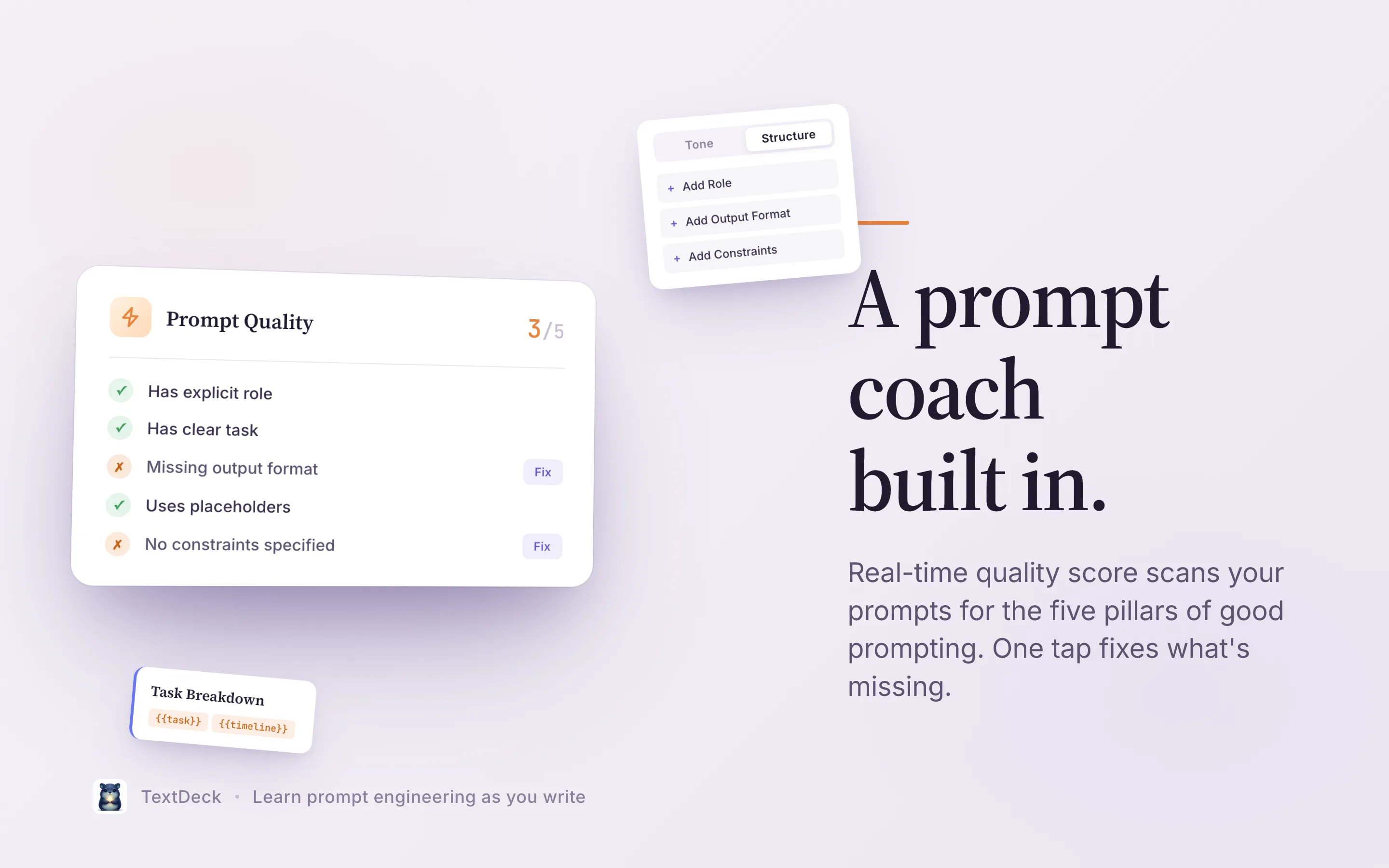
A real-time quality score scans every prompt for the five pillars of good prompting, and one tap fixes whatever is missing.
You are a senior copywriter. Write a blog post about {{topic}}.
- Has an explicit role
- Has a clear task
- Defines an output format
- Uses placeholders
- Specifies constraints
Learn prompt engineering as you write.
Everything you need. Nothing you don't.
Instant hotkey access
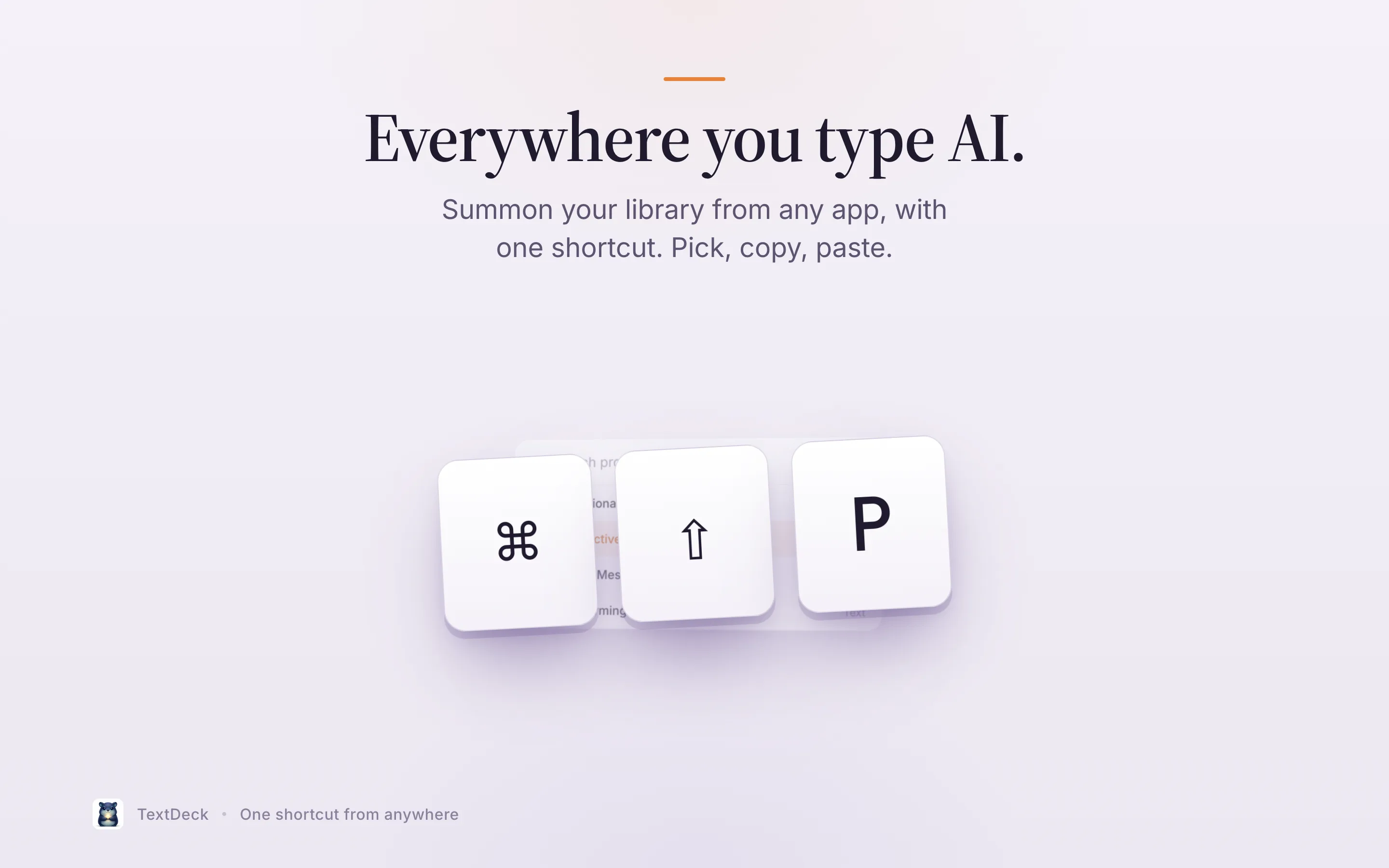
Press ⇧⌘P in any app. The Quick Access panel appears instantly with your prompts.
Improve prompts with AI
On iPhone, iPad and Mac, Apple Intelligence rewrites, shortens, or sharpens any prompt on-device. Nothing leaves your device (iOS 26 / macOS 26). On Android and Windows, AI is optional, off by default, and uses your own API key.
AI placeholder suggestions
Paste a prompt and let on-device AI turn the key parts into reusable {{variables}}, and you choose which ones to keep.
Global Prompt Library
Browse and install free community prompt packs. Works offline and updates automatically.
iCloud Storage
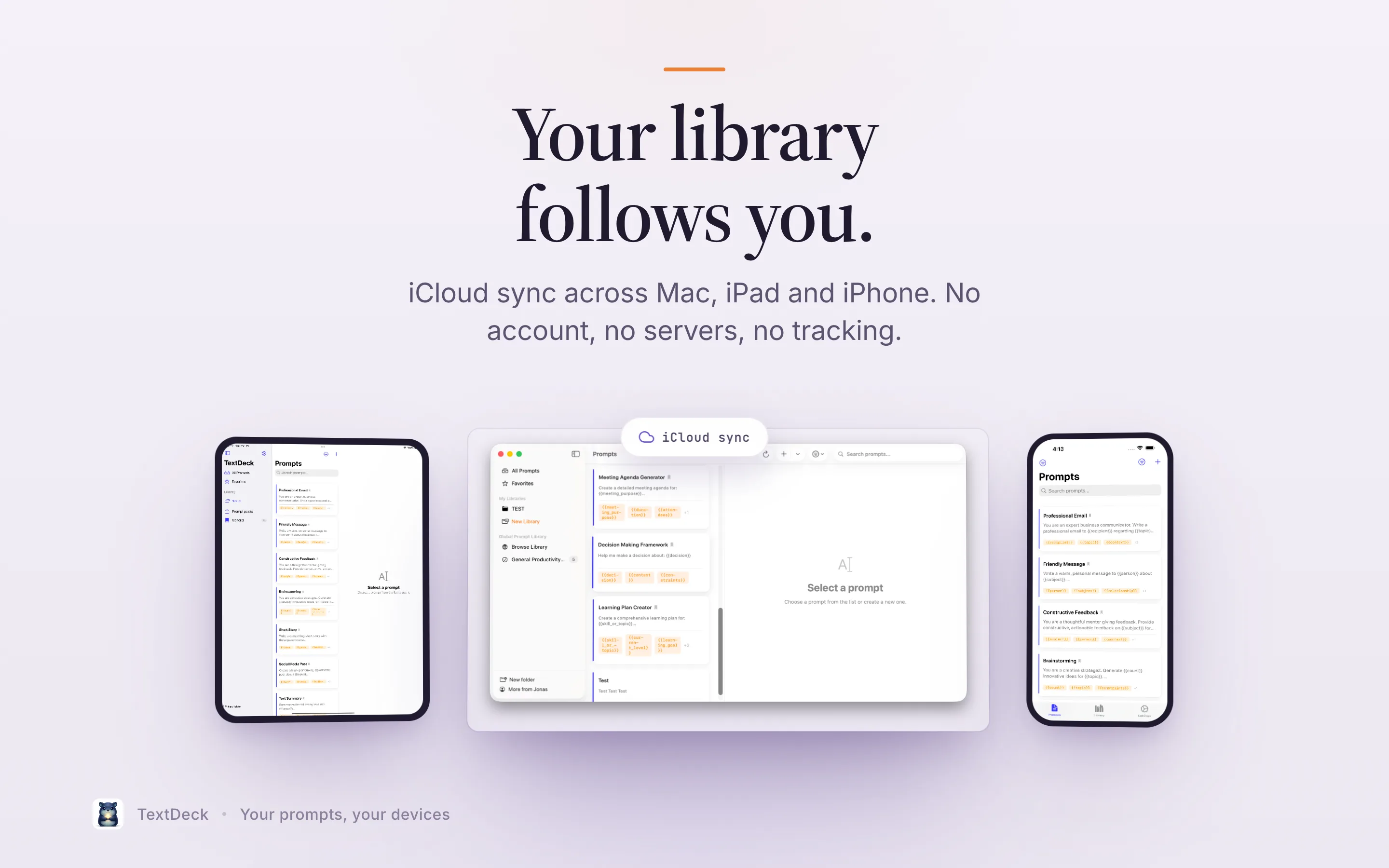
Optionally store your templates in your own iCloud, available on Mac, iPad, and iPhone.
Variable History
TextDeck remembers your last inputs. Next time, they're pre-filled.
135 ready-made prompts. Fill in the blanks.
14 free packs for the work you actually do. Every prompt brings its own variables.
Communication
Professional Email
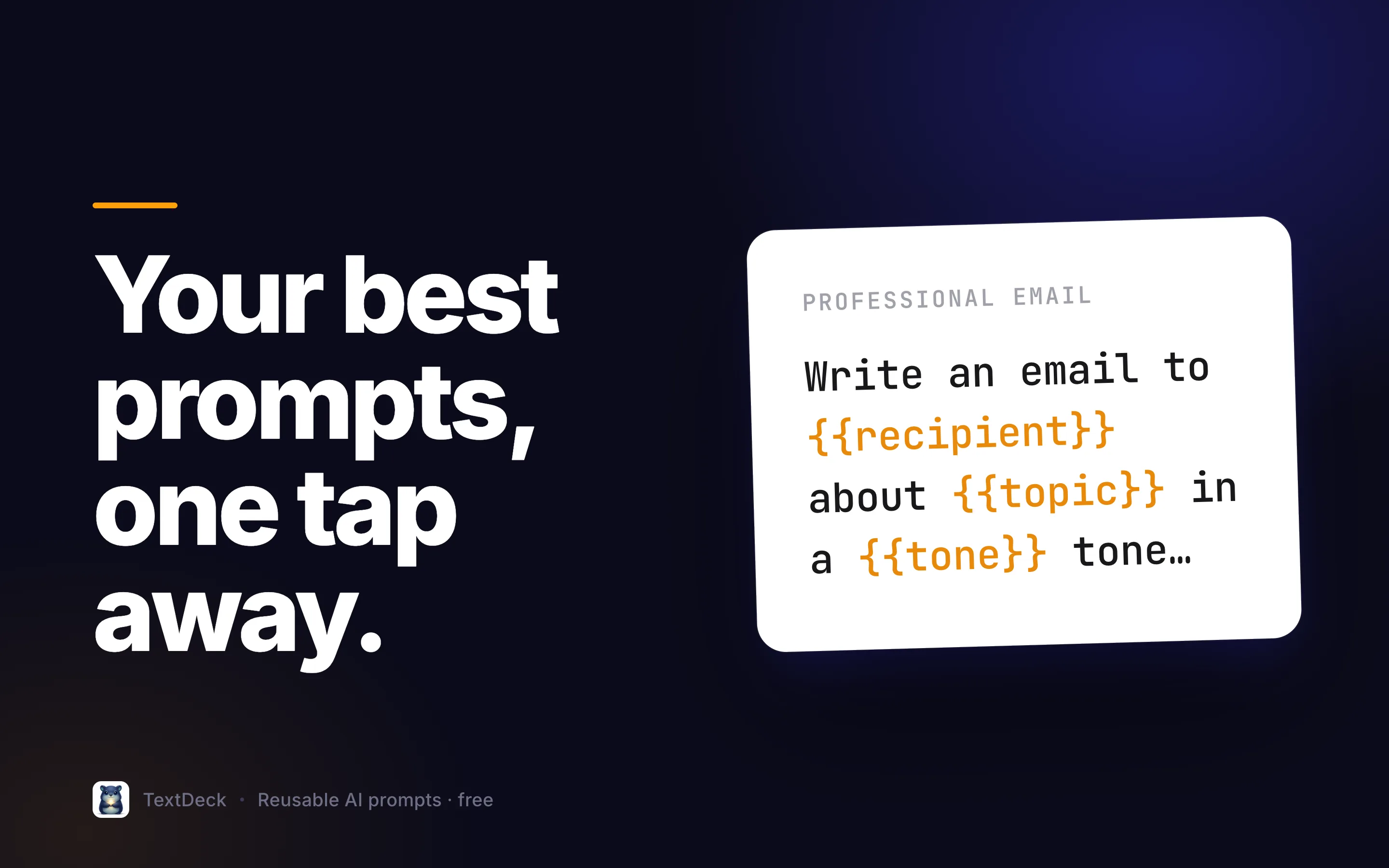
Write a professional email to {{recipient}} about {{topic}}. Tone: {{tone}}.
This is just the beginning.
TextDeck 1.1 is live: on-device AI and the Global Prompt Library just shipped. Here's what's next.
The foundation is set
Version 1.1, already in use.
Dynamic prompt templates
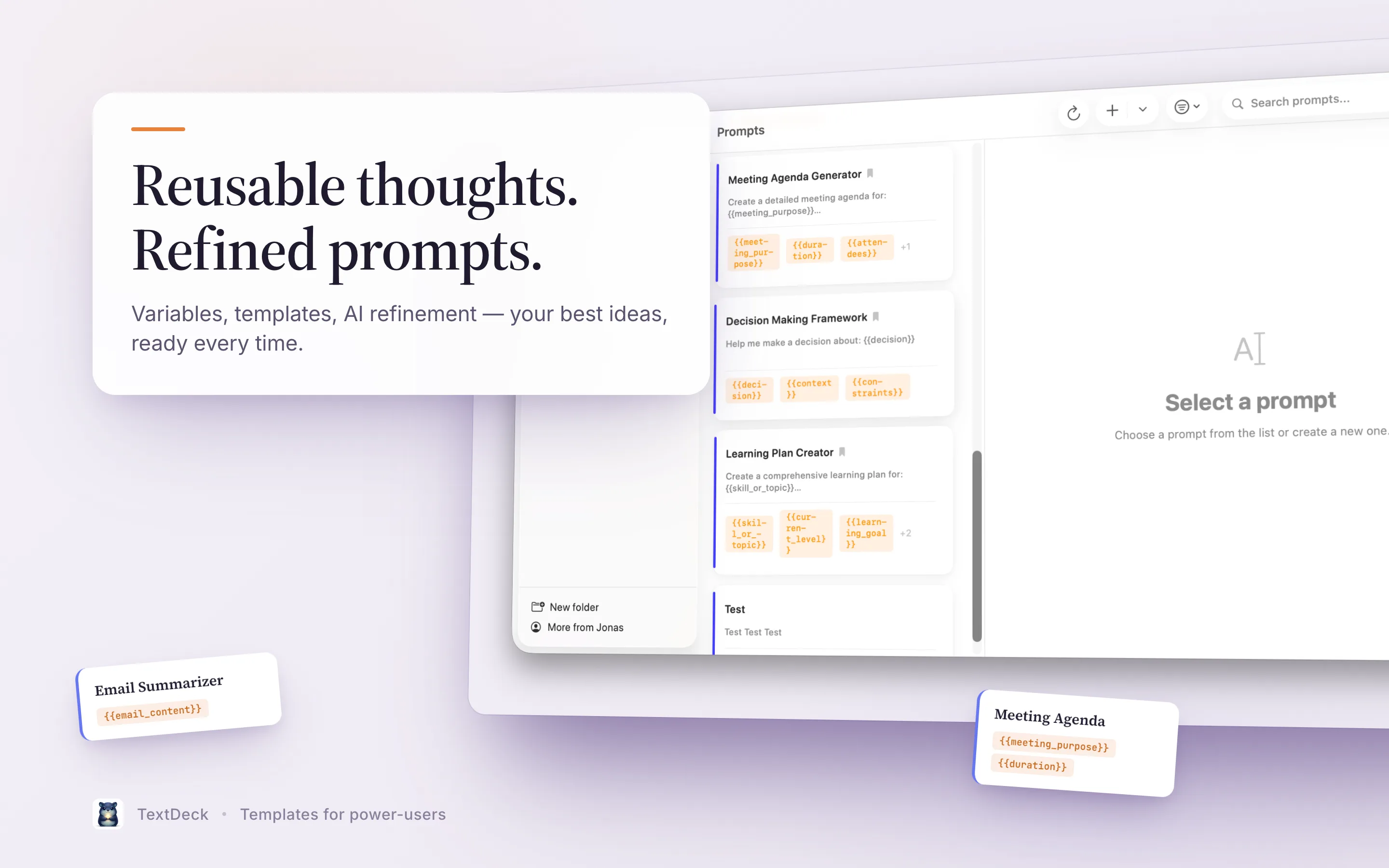
Create templates with {{variables}} that get replaced live as you fill them in.
Global hotkey access
⇧⌘P opens the Quick Access panel, from any app.
iCloud Storage
Optionally store your templates in your own iCloud, available on your Apple devices.
Android and Windows are live
TextDeck for Android is on Google Play; TextDeck for Windows is in the Microsoft Store. Prompts move between your Apple devices and Android or Windows via export/import or shared .textdeck files.
Improve prompts with AI
On-device Apple Intelligence rewrites, shortens, or sharpens any prompt, fully private (iOS 26 / macOS 26).
AI placeholder suggestions
Paste a prompt and let on-device AI turn the key parts into reusable {{variables}}.
Global Prompt Library
Browse and install free community prompt packs. Works offline, updates automatically.
Organized your way
Sort by topic and type, or group prompts into custom collections.
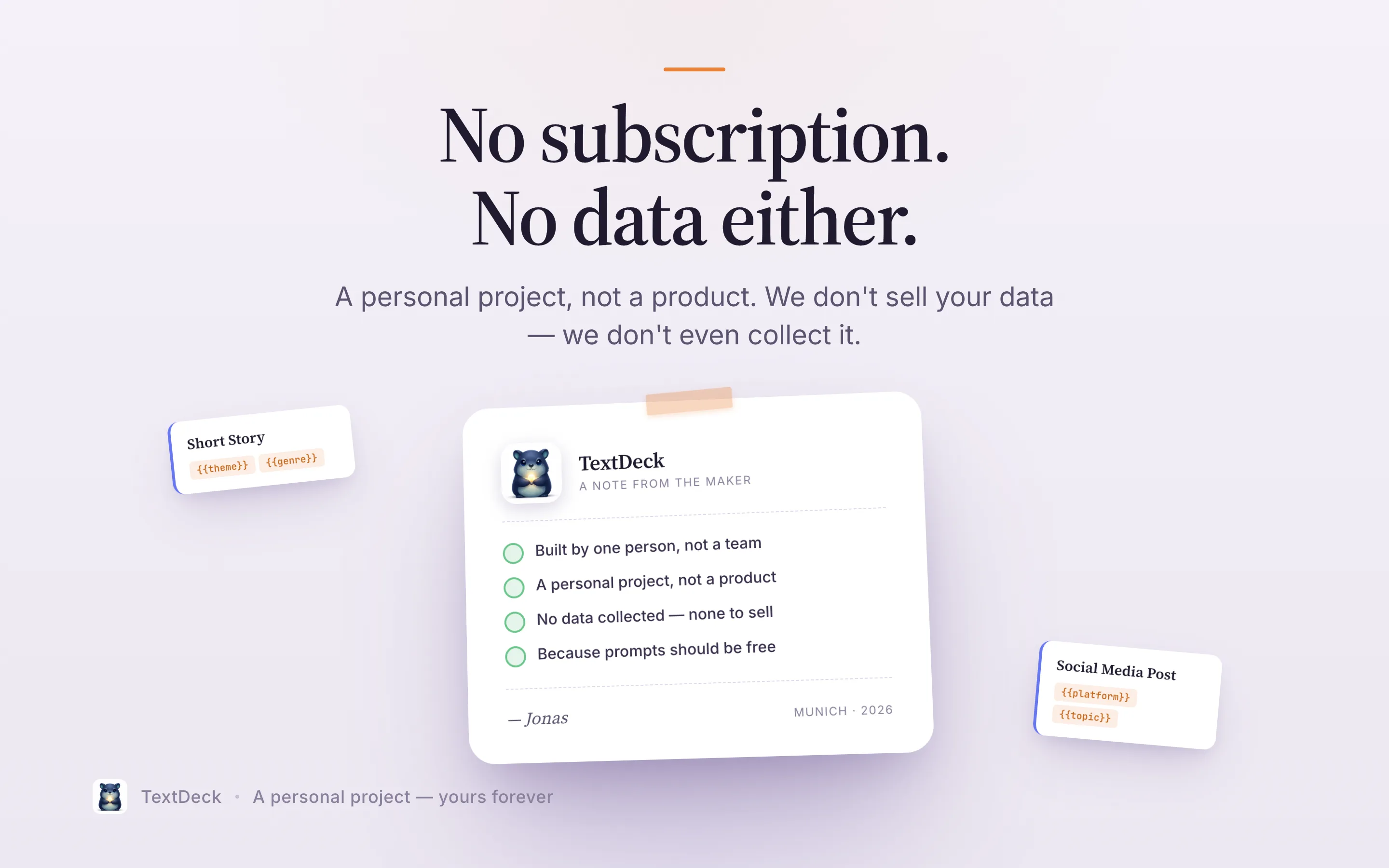
Completely free. No catch.
Free. All features. No subscription. No hidden fees. Everything you need, ready to go. Without paying a cent.
- Unlimited custom templates
- Dynamic {{variables}}
- Global hotkey access
- Optional sync: iCloud or your own cloud folder
- 135 curated templates included
- Variable History
- Local-first, no TextDeck server
135 ready-made prompts. Fill in the blanks.
14 free packs for the work you actually do. Every prompt brings its own variables.
global-prompt-libraryBuilt by a studio that ships.
TextDeck is a passion project from Balane, an indie studio in Munich. 28 products, all built in-house.
- Products
- 28
- Categories
- 05
- In-house
- 100%
- CellAlertWeb · Excel · macOS · Windows
- NetMutemacOS
- GridBarmacOS
- FlowVisualmacOS · Windows
- OtterSlideWeb · iOS · Android
- usable.softwareWeb · Mobile
- SimpleProposalsWeb
- Bankrupt by AIWeb
- The Second LookMicrosoft Word
- Automation ShowroomiOS · Android
- SynapseGymiOS
Alongside its own products, Balane helps companies worldwide with digitalisation, automation and putting AI to work. balane.tech
Frequently asked questions
TextDeck works with every AI service: ChatGPT, Claude, Gemini, Midjourney, and all others. You create templates, fill in variables, and copy the result. TextDeck never sends your prompts to an AI service on its own. Its optional AI helpers run on-device with Apple Intelligence on Apple devices; on Android and Windows they're off by default and, if you turn them on, use your own API key with the provider you choose.
Yes. TextDeck stores everything locally on your device and works with no connection at all. Sync is optional (iCloud on Apple devices, your own cloud folder on Android and Windows) and only runs when you're online.
TextDeck runs on Mac (macOS 14+), iPhone and iPad (iOS and iPadOS 17+), Android, and Windows. On Apple devices you can optionally store your templates in your own iCloud.
Android: yes, TextDeck is on Google Play. It adds "TextDeck" to the text-selection menu of any app, and you can share text to TextDeck to save it as a prompt. Windows: yes, TextDeck is in the Microsoft Store. The Windows app sits in the tray and opens Quick Access with a global shortcut (Ctrl+Alt+P by default), then pastes the prompt into the app you were in.
Not automatically. Apple devices sync with each other through iCloud. Android devices sync with each other (and with Windows) through a file in your own cloud folder (OneDrive, Google Drive, Dropbox…), merged prompt by prompt, with no TextDeck server and no account. Between Apple devices and Android or Windows there is no live sync: move your prompts with export and import (both use the same backup format) or by sharing .textdeck files.
TextDeck is completely free. You get all features and 135 curated prompt templates without paying anything.
Never to us. TextDeck has no backend and never talks to a Balane server. By default everything stays on your device. If you switch on iCloud sync, your templates are stored in your own private CloudKit database. That is Apple's infrastructure, tied to your Apple Account, and not readable by us. On Android and Windows, sync writes a file to a cloud folder you choose, and the optional AI features (off by default) send the text you're working on directly to the AI provider you picked, using your own API key.
Yes, unlimited. Create templates with dynamic {{variables}}, organize them in categories and collections, and access them instantly via hotkey.
No. TextDeck is completely free. No subscriptions, no hidden fees. Additional prompt packs are planned for the future.
Learn the workflow, not just the app
Guides, honest comparisons, and setups by role. All free, no signup.